How to Overcome the Top Five E-Commerce Localization Challenges

Storyblok is the first headless CMS that works for developers & marketers alike.
Quick overview
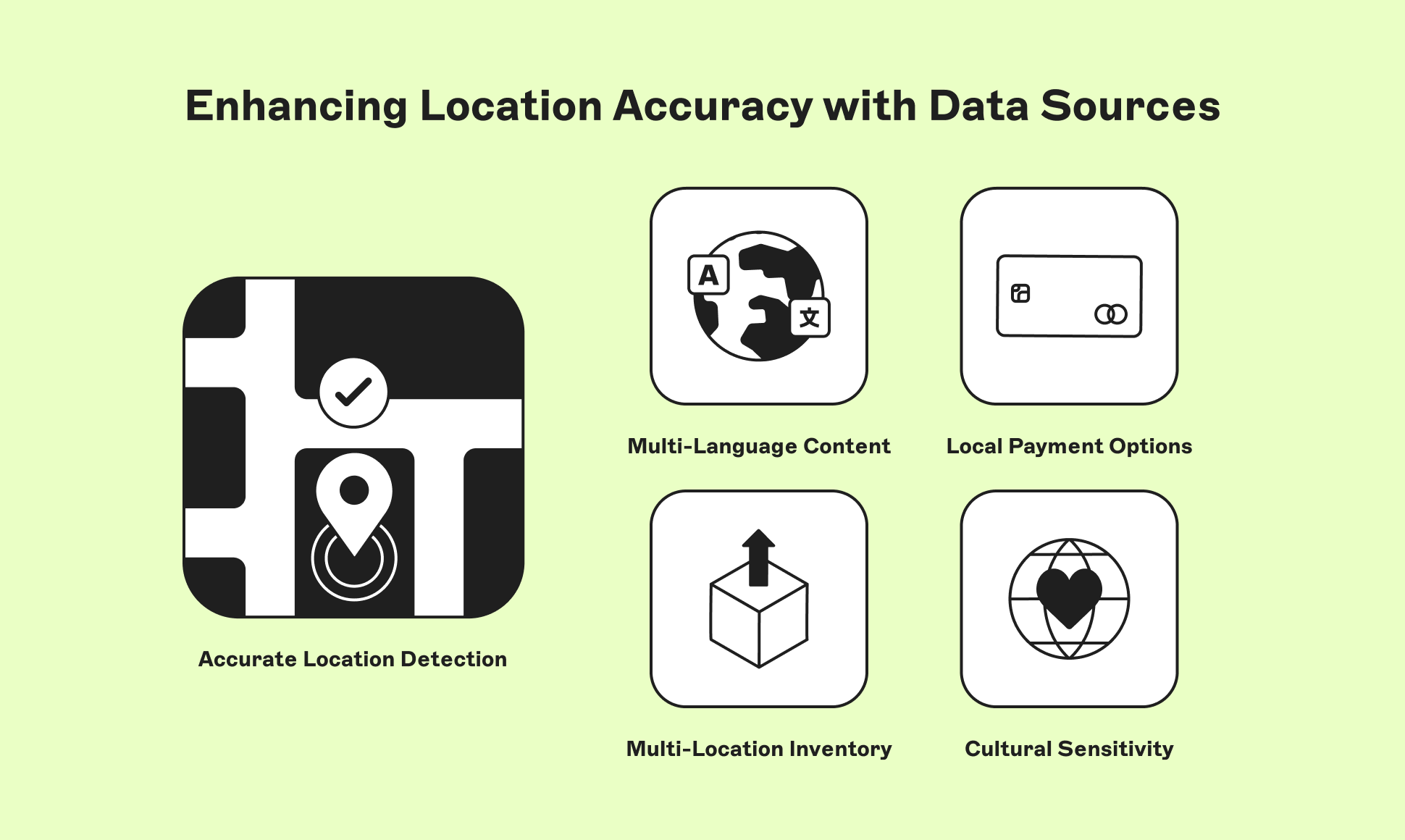
The five recurring localization struggles are accurate location detection, multilingual content management, regional payment support, multi-location inventory accuracy, and cultural adaptation. Each is solvable with a combination of layered detection data, a CMS with field-level translation, region-specific payment gateways, real-time inventory sync, and modular content components.
Scaling an e-commerce business and expanding into international markets always comes with challenges, no matter how good your strategy is. One of the major challenges that businesses face during this process is localization.
Cross-border transactions account for close to 45% (opens in a new window) of global B2C e-commerce, and the market has grown at roughly 25% (opens in a new window) year-over-year in recent tracking periods. Expansion into new markets rarely fails because of strategy. It fails in the execution details: detecting where a shopper actually is, speaking their language, taking their preferred payment method, showing accurate stock, and getting the cultural tone right.
This guide covers the top five most common localization challenges in e-commerce and practical ways to solve each one.
Our guide to choosing the best CMS for e-commerce is a useful companion.
1. Accurate location detection
The problem: Personalized experiences depend on knowing where a visitor is. That's harder than it sounds. Shoppers arrive via different devices, network types, and a virtual private network (VPN), all of which can mask or distort their real location.
The solution: On the web, there are two ways to get location data: an IP lookup, which happens automatically on the server as soon as someone visits, and the browser's Geolocation API, which needs the visitor's permission. Things like GPS and Wi-Fi positioning aren't separate tools you add. They're just how the Geolocation API fills in the details depending on the device.
A phone with GPS, outdoors, can be accurate to a few meters. A laptop has no GPS chip, so the same API instead uses nearby Wi-Fi networks or, if that fails, the IP address. This means a desktop visitor who accepts your location prompt is not getting anywhere near phone-level accuracy.
| Input | Typical accuracy | Best use case |
|---|---|---|
| IP lookup (country level) | Exceeds 99% assuming no VPN | Currency, tax, and content-locale defaults |
| IP lookup (city level) | Approximately 20-75%, varies by country | Rough regional targeting only |
| Geolocation API, phone with GPS | Accurate to a few meters, with permission | Store locators, delivery estimates |
| Geolocation API, desktop (Wi-Fi or IP fallback) | City-level at best | Directional only, not reliable for precision |
Source: MaxMind, Understanding IP Geolocation Accuracy (opens in a new window)
A VPN doesn't make IP lookups less accurate. The lookup still correctly finds the server the traffic is coming from. The problem is the assumption on top of that: that the server's location is the shopper's location. The fix isn't better location data, it's not treating IP as a stand-in for "where the person is" once a VPN is involved.
The takeaway: use IP data for country-level defaults such as currency and language, and reserve GPS or browser geolocation (with user consent) for anything that needs to be precise, such as delivery zones or store finders.
Tools and integrations: A headless content management system (CMS), which separates the content layer from the presentation layer, lets you plug in third-party location-detection and analytics services through APIs (application programming interfaces) without redeveloping the front end. Combine that with behavior analytics segmented by geography to keep refining locale rules over time.
Quick Q&A: "How do I detect user location accurately?"
Combine IP geolocation for broad defaults with browser or GPS geolocation (opt-in) for anything precision-dependent, and treat VPN traffic as a known source of error rather than a rare edge case.
2. Managing multiple languages and content at scale
The problem: Multilingual content management gets complicated fast once more than one person owns translation. Coordinating consistency across languages, tracking who changed what, and keeping SEO intact in every locale all compete for attention.
The solution: Look for a CMS that lets you translate at the level of individual fields or sections, not just whole pages. This means you don't have to duplicate an entire page just to translate it. Different platforms handle this in different ways, but the important thing is how granular the control is, not what the feature is called. Locale-based user roles, permissions, and custom workflows keep multiple translators and reviewers moving without stepping on each other. Version control across language variants lets you track exactly what changed and when.
Managing translations across teams, locales, and approval chains puts real pressure on your CMS. Not every platform handles field-level translation, locale-based permissions, and version control equally well.
| Feature needed | Why it matters | What to look for |
|---|---|---|
| Field-level translation | Avoids duplicating entire pages per language | Per-field translation status and fallback logic |
| Role-based workflows | Keeps translators, editors, and approvers in sync | Locale-specific permissions and approval steps |
| Version history per locale | Lets you audit and roll back language variants independently | Change logs scoped to a specific language |
| Locale-specific SEO fields | Preserves search visibility in each market | Custom URLs, meta tags, and hreflang support per language |
| API-based translation integrations | Extends localization without rebuilding the CMS | Open API for connecting dedicated translation tools |
Why this matters commercially: Put simply, language isn't a formatting preference. CSA Research (opens in a new window) surveyed 8,709 consumers across 29 countries and found that 76% of online shoppers prefer buying products with information in their native language, and 40% said they would never buy from a website in another language. Skipping proper localization isn't a UX nicety you can defer. It's a direct cap on addressable market.
Quick Q&A: "Do I need a full translation for every market, or can I start smaller?"
Start with the highest-traffic locales and the pages closest to checkout (product pages, cart, confirmation emails), then expand. Field-level translation in your CMS lets you do this incrementally without restructuring content later.
Swedish eyewear and apparel brand CHIMI used to face real friction expanding into new markets, with language, content, and payment settings all requiring separate manual work per region. After moving to a CMS built for multilingual, multi-market content, opening a new market in an existing language now takes no more than a few hours, covering content, products, shipping, and payment options at once. Read the CHIMI case study.
3. Providing suitable payment options
The problem: Depending on the regions you sell into, you may need to support local currencies, region-specific cards, buy now, pay later (BNPL) services, and even post-delivery payment models. Get this wrong, and shoppers leave at checkout, not before.
The solution: Research payment behavior in each target market before building your checkout, as preferences vary sharply by region and generation.
| Region | Commonly preferred methods | Notes |
|---|---|---|
| North America | Credit/debit cards, digital wallets (Apple Pay, Google Pay), BNPL | BNPL adoption keeps climbing among younger shoppers |
| Europe | Cards, bank transfers (e.g., SEPA), digital wallets | Payment habits vary significantly by country, not just by region |
| Latin America | Local BNPL, cash vouchers, installment payments | BNPL-assisted cross-border transactions grew roughly 38% year-over-year in markets like Brazil in 2025 |
| Asia-Pacific | Digital/mobile wallets, local super-app payments | Digital wallets are projected to lead cross-border payment share at over 52% in 2026 |
Sources: Amra & Elma, Cross-Border E-Commerce Statistics (opens in a new window) (Latin America BNPL growth); Coherent Market Insights, Cross-Border E-Commerce Market Report (opens in a new window) (Asia-Pacific digital wallet share)
Tools and integrations: A flexible, API-driven e-commerce setup lets you connect multiple payment gateways rather than committing to a single provider. Real-time currency conversion at checkout adds transparency for shoppers buying from a country where you have no physical presence, which reduces the "is this actually going to work" hesitation that drives abandonment.
Quick Q&A: "Which payment methods should I prioritize first? "
Start with the two or three most-used methods in your top target market rather than trying to support every method everywhere. Baymard's research (opens in a new window) shows the abandonment risk from a missing method is real, but so is the complexity cost of supporting methods nobody uses.
4. Managing inventory across multiple locations
The problem: The more regions you serve, the harder it becomes to keep stock levels and availability accurate everywhere at once. Inconsistent inventory data erodes trust fast, especially when a customer orders something that turns out to be unavailable.
The solution: Keep stock counts where they're created, in the ERP or commerce platform, and pull them live each time a page loads. Copying that number into the CMS, even briefly, creates a version that goes stale the moment something sells elsewhere. The CMS's job is smaller: It holds the translated text around the number, like "2 left," not the number itself.
How the data should flow:
- Enterprise resource planning (ERP) or inventory system holds the source-of-truth stock count.
- E-commerce platform syncs stock levels per warehouse or region.
- CMS displays accurate, locale-specific availability messaging on the storefront.
- Third-party logistics (3PL) provider handles fulfillment and shipping once an order is placed.
Demand-forecasting tools that use predictive analytics can reduce stockouts and overstock by anticipating regional demand shifts before they happen, which protects both revenue and customer trust. Combined with 3PL integration for order completion and shipping, this closes the loop from stock visibility to delivery.
Quick Q&A: "What's the biggest inventory mistake in multi-region selling?"
Treating inventory sync as a one-time integration rather than a continuously monitored system. Stock levels drift the moment sales velocity changes in any single market, so automated, real-time sync (not batch updates) is the baseline for accuracy.
5. Cultural sensitivity
The problem: Adapting content to different cultural expectations, colors, imagery, language, and messaging, while keeping brand identity intact is genuinely difficult. Get it wrong and you risk misinterpretation or, worse, offense.
The solution: Build content as modular, composable components (reusable content blocks that can be swapped per locale without touching the underlying page structure) rather than one-size-fits-all pages. Field-level translation handles the copy itself; components handle everything around it—colors, imagery, and layout—so editors can adjust the non-text elements per market while keeping the same brand system underneath.
Personalization tools that adapt content based on user demographics, interests, and behavior can extend this further, delivering shopping experiences that feel locally relevant without a separate build for every market. Pair this with an approval workflow, roles, and permissions so culturally sensitive content gets reviewed before it goes live, not after a complaint.
A short cultural-adaptation checklist
- Color associations and symbolism (colors carry different meanings across cultures)
- Imagery and representation appropriate to the market
- Currency, date, and number formatting conventions
- Tone: formal versus casual norms vary by region
- Legal or religious sensitivities specific to the market
- Native-speaker review before publishing, not just machine translation
Quick Q&A: "Does cultural adaptation mean redesigning the site per market? "
No. It means designing content components that can flex (imagery, color, copy) without rebuilding page structure or navigation for every locale.
Key takeaways
- Layer location-detection methods; don't rely on IP data alone for anything precision-sensitive.
- Choose a CMS with field-level translation and locale-specific workflows before content volume makes migration painful.
- Match payment methods to actual regional behavior, not assumptions. A missing method is a direct source of cart abandonment (Baymard, 13%).
- Automate inventory sync across ERP, e-commerce platform, and storefront. Manual reconciliation doesn't scale past a few regions.
- Treat cultural adaptation as a content-system decision (modular components, review workflows), not a one-off design pass.
- Recommended next step: Run a localization audit against your current storefront to see where these gaps actually are before investing further.
If your current platform is struggling to support any of the five areas above, our guide to the best CMS for e-commerce breaks down what to look for.
Frequently asked questions (FAQs)
What is e-commerce localization?
It's the process of adapting an online store, its language, payment options, imagery, and messaging, to match the expectations of a specific regional market, going well beyond simple translation.
What's the biggest localization mistake brands make?
Treating translation as a substitute for localization. CSA Research found that 40% of shoppers won't buy from a site in a language other than their own, but translated text alone doesn't fix payment mismatches, cultural tone, or inventory accuracy.
How much does poor localization cost in lost sales?
It varies by cause. On payment alone, Baymard Institute attributes roughly 13% of cart abandonment to a missing preferred payment method. Language, cultural missteps, and inventory errors add to that separately.
Is IP geolocation reliable enough for personalization?
For country-level defaults, yes. Country-level IP geolocation accuracy generally exceeds 99%, but city-level accuracy drops to roughly 20-75% depending on the country, so don't use it alone for anything requiring precision.
What CMS features matter most for localization?
Field-level translation, locale-specific workflows and permissions, version history per language, and hreflang/SEO support per locale. See our full comparison of the best CMS platforms for e-commerce for a deeper breakdown.