Three Ways Digital Asset Management Improves Customer Experience

Storyblok is the first headless CMS that works for developers & marketers alike.
Quick overview
- Brand consistency: A centralized DAM keeps every team using the same up-to-date assets, so customers see one consistent brand everywhere.
- Faster time to market: MediaValet's 2026 DAM Trends Report found that teams using DAM see 35% faster time to market and 67% better brand compliance, because they're not rebuilding or re-requesting assets.
- Personalization: Rich metadata lets teams tailor assets by audience, market, and language, without duplicating work.
- Visibility is the hidden risk: 62% of organizations don't have visibility into the content they've published, which is often where inconsistent customer experience starts.
- AI is accelerating all of this: generative AI is increasingly used to automate tagging and asset discovery, cutting manual organization work.
- Getting started: If you're on a headless CMS like Storyblok (opens in a new window), look for a built-in DAM first; it removes an entire integration step.
Why digital asset management matters for customer experience
Customer experience is one of the top priorities for any business, since keeping an existing customer almost always costs less than acquiring a new one. Digital asset management (DAM) is one of the tools helping teams do this well: it gets the right content in front of the right customer at the right time, the core of what's known as digital customer experience (DCX), a company's overall approach to delivering consistent, relevant content across every digital touchpoint.
The market backs this up. The global DAM market is projected to grow from $7.32 billion in 2025 to $8.69 billion in 2026 (opens in a new window), with an annual growth rate of 18.6%. That growth is driven partly by demand for faster content delivery and AI-assisted asset discovery, and partly by something more human: Storyblok's own research with FT Longitude, published in Content Debt: A $4.63 Trillion Business Liability, found that 62% of organizations don't have visibility over the content they've published, a gap that shows up to customers as inconsistent, outdated, or off-brand content.
Storyblok surveyed 550 senior executives at billion-dollar-plus companies with FT Longitude to quantify the cost of unmanaged content. The finding: content debt isn't draining budgets by the millions; it's costing the global economy $4.63 trillion, or roughly $146,905 every second. Read the full report.
What is digital asset management?
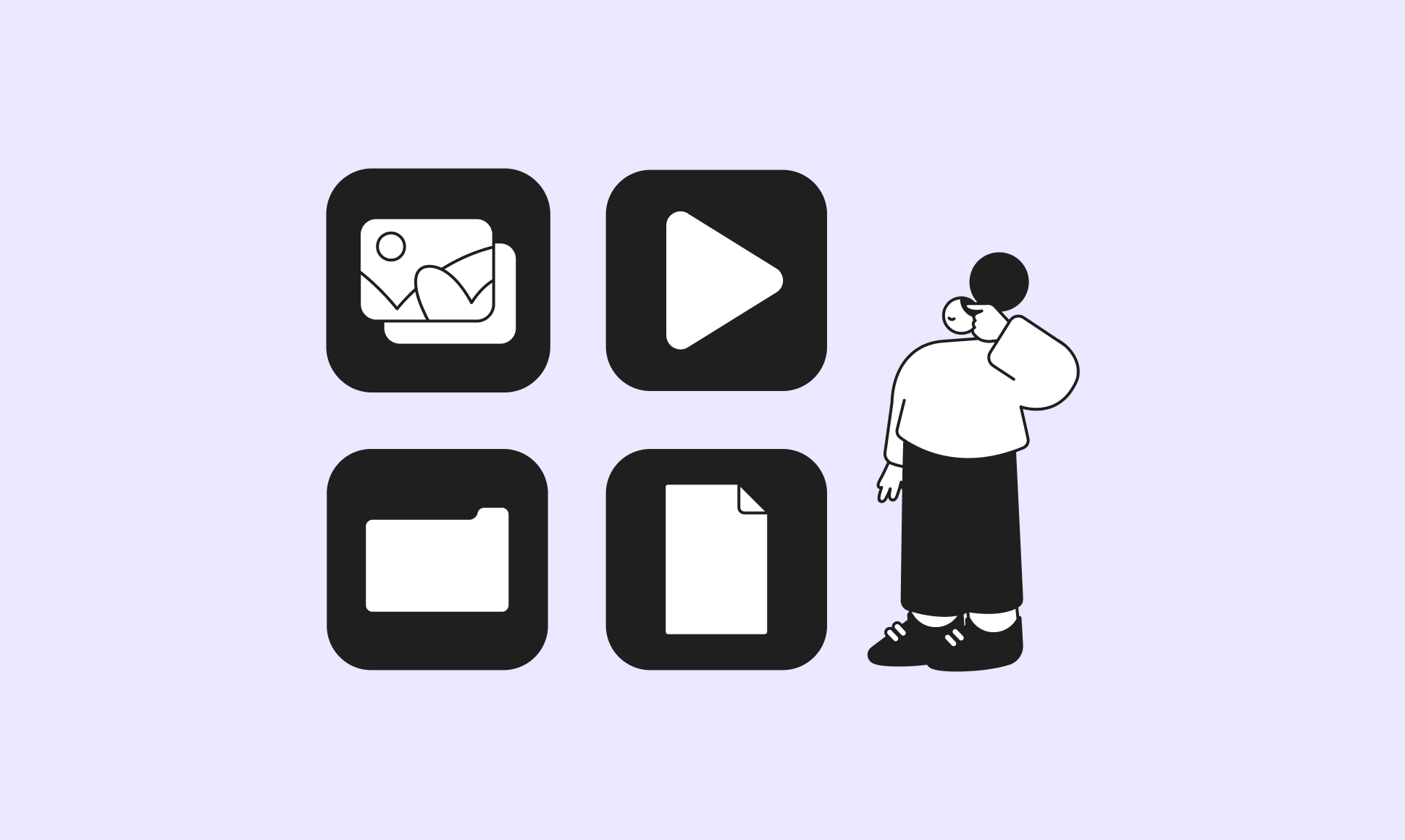
A digital asset is any file used in your content: images, videos, audio, documents, and other media. In short, everything published on a website, app, or campaign is an asset.
Digital asset management (DAM) is a system for organizing, storing, and distributing those assets from one central hub, so teams can find and reuse them instead of recreating them. Most DAM systems share four core capabilities:
- Metadata management: Tags and descriptors that make assets searchable
- Version control: A single source of truth as assets get updated
- Access control: Permissions for who can view, edit, or publish
- Distribution tools: Ways to push assets to websites, apps, and channels
No separate DAM subscription or integration to maintain. Just smooth, simple asset management and content delivery, all in one place. Find out more.
Our deep dive on what a digital asset management system is and how it compares to a CMS breaks it down for you.
How does digital asset management improve customer experience?
1. How DAM improves brand consistency
Inconsistent branding confuses customers and weakens brand recognition. It typically happens when assets are scattered across drives, inboxes, and outdated folders instead of one system.
A digital asset management system centralizes storage and access, so every team pulls from the same up-to-date assets. That single source of truth is one reason 86% (opens in a new window) of organizations that use DAM say centralizing assets is one of their top use cases. In Storyblok, that central hub is the same place editors already manage content, so there's no separate system to keep in sync.
2. How DAM speeds up time to market
A DAM acts as a shared content repository. Instead of uploading or requesting an asset every time it's needed, teams search for it once and reuse it. This also gives a clear view of what assets already exist, which helps teams spot gaps and prioritize new content instead of duplicating old work.
The payoff is measurable: MediaValet's 2026 DAM Trends Report (opens in a new window) found that teams using DAM report 35% faster time to market on average, which translates directly into faster campaign launches and quicker responses to customer needs.
3. How DAM personalizes customer experience
DAM systems can store metadata about customer preferences, behavior, and past interactions, which marketers use to power targeted campaigns and product recommendations.
Localization and internationalization are part of this too. A centralized media library can hold market-specific versions of the same asset, a product description in five languages, for example, so every region gets a locally relevant experience without content silos. Storyblok's DAM integrates with its localization tools directly, so a single asset can carry multiple market-specific variants without duplicate uploads.
How is AI changing digital asset management?
The Digital Project Manager's 2026 trends report (opens in a new window) identifies generative AI-driven tagging and asset discovery as one of the defining shifts in DAM this year. Instead of manually tagging every image or video, AI can suggest tags, detect duplicates, and surface the right asset from a plain-language search query, which means faster consistency, faster time to market, and faster personalization, all at once.
Our infographic, Content Automation: Your Secret Weapon in the AI Era, walks through automations like AI-generated metadata, automatic legal review routing, and translation workflows—the kind of setup that keeps assets organized without adding manual work.
Bonus: What digital asset management does for content teams
The three ways above are about the customer-facing payoff. But DAM also removes friction for the marketers, editors, and other non-technical teams doing the work behind the scenes. Here’s a look at how:
1. A centralized media library
Every team member can find what they need without digging through folders or asking a colleague to resend a file. Assets are tagged and organized in a way that makes sense for the team, which reduces duplicate uploads and version mismatches. In Storyblok, this library sits inside the same interface editors use to build pages.
2. Access within the content management system (CMS)
Some organizations still run a separate, external DAM alongside their CMS, usually because of legacy tooling. Storyblok includes a built-in DAM accessible directly from the CMS menu, so there's no second login or separate browser tab to manage.
3. Easier day-to-day asset management
Built-in editing tools (preview, crop, resize, format conversion) mean content moves through review and publishing without bouncing between separate programs. Storyblok supports all of these directly in its asset manager.
4. Security
DAM systems typically include user roles and permissions, version history, and access logs. That matters most when agencies, freelancers, or other third parties touch your assets, since it keeps you compliant with internal or regulatory standards without slowing collaboration down.
Storyblok surveyed 300 security teams across the US, UK, and Germany for The State of Security 2026 and the area they felt least confident in wasn't attacks or vendors, but managing employee access and permissions. It's a reminder that unglamorous DAM features like user roles and access logs do more security work than they get credit for. Read the full report.
How do you integrate DAM into a CMS?
If your CMS has a built-in DAM, like Storyblok's, there's no separate integration step, you get simplified asset search, image editing, and metadata management inside the same system you use for content. If you're using an external DAM alongside a CMS, look for one with a solid API or a pre-built connector, so assets sync automatically instead of requiring manual export/import.
Frequently asked questions (FAQs) on digital asset management
- What is the difference between DAM and a CMS? A DAM stores and organizes digital files, such as images, video, and documents. A CMS manages and publishes content built from those files. Storyblok combines both, so teams manage assets and content in one system instead of two.
- Does digital asset management really improve customer experience? Yes, DAM improves the speed, consistency, and personalization of the content customers see, which are three core drivers of customer experience.
- Do small teams need a DAM, or just larger enterprises? Any team managing more than a handful of reusable assets benefits from centralization; the ROI scales with content volume, not company size.